Manage Your MikroTik Routers From Anywhere
Securely access, configure, and monitor your entire MikroTik network infrastructure from any device, anywhere in the world. Enterprise-grade encrypted VPN tunnels — completely free, forever.
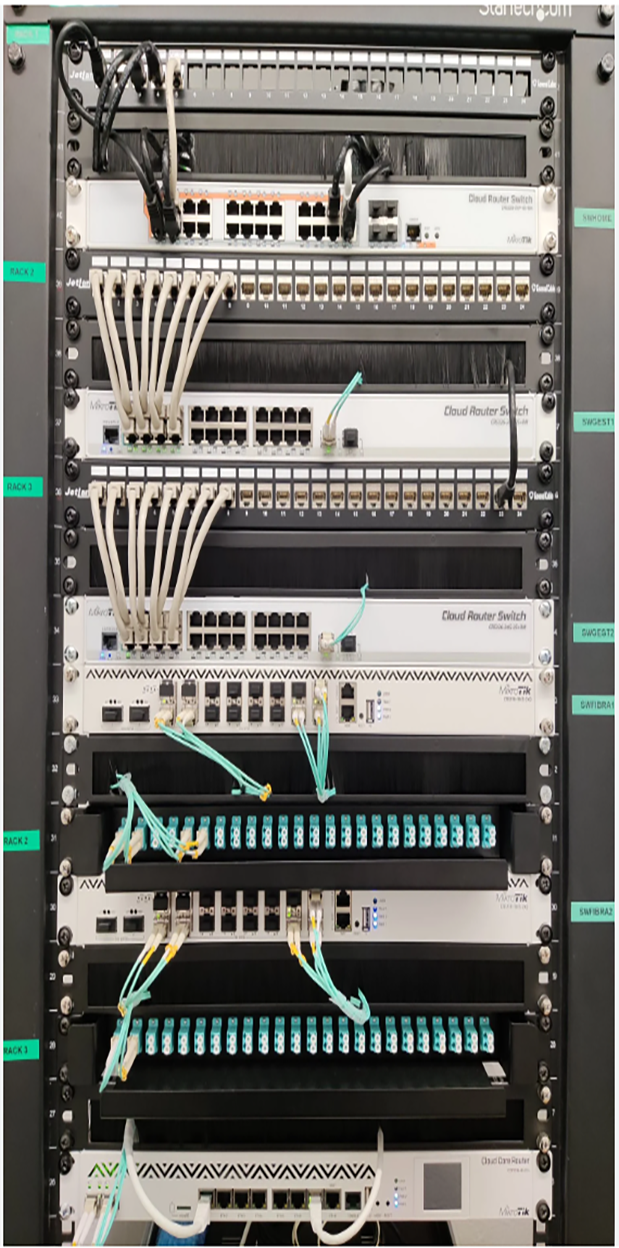

Everything You Need to Manage MikroTik Remotely
ISP Ledger gives you complete control over your MikroTik routers without the complexity of setting up your own VPN infrastructure.
256-Bit Encrypted Tunnels
All connections are secured with AES-256 encryption, ensuring your router credentials and network data remain completely private and protected from threats.
Multi-Router Management
Connect and manage unlimited MikroTik routers from a single dashboard. Switch between devices instantly without reconnecting or reconfiguring.
Real-Time Bandwidth Monitoring
Monitor live bandwidth usage, active connections, and traffic patterns across your entire network. Get instant alerts when thresholds are exceeded.
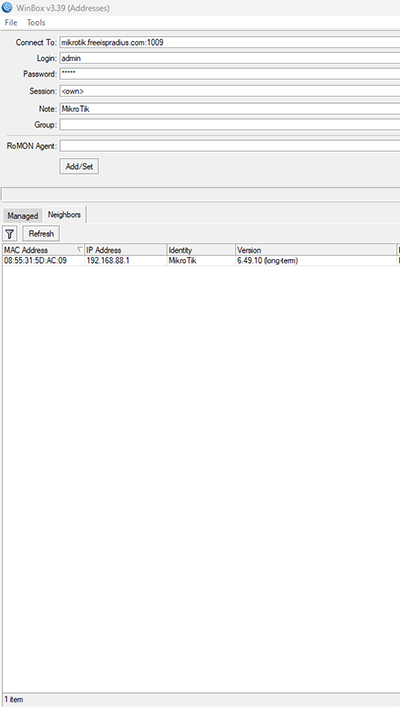
Get Connected in Under 5 Minutes
No complex VPN setup required. Our automated system handles everything — just follow four simple steps.
Create Free Account
Register with your email and WhatsApp number. No credit card or payment information required.
Add Your Router
Enter your MikroTik router details. Our system generates a unique VPN configuration for your device.
Apply VPN Config
Paste the generated script into your MikroTik terminal. The router connects automatically to our secure tunnel.
Access Anywhere
Log in to your ISP Ledger dashboard from any browser on any device and manage your router remotely.
Built for Professional ISP Operators
Beyond basic remote access — ISP Ledger provides tools that professional network administrators actually need.
Winbox & WebFig Access
Access your routers through Winbox or WebFig remotely. Full MikroTik management capabilities without any feature restrictions.
Traffic Analytics
Detailed traffic analysis with per-user bandwidth graphs, peak usage times, and historical data for capacity planning.
Smart Alerts
Get instant notifications via WhatsApp or SMS when your router goes offline, CPU spikes, or bandwidth exceeds limits.
Automated Backups
Schedule automatic router configuration backups. Restore any previous configuration with a single click if something goes wrong.
Multi-User Access
Invite team members with role-based permissions. Give technicians limited access while maintaining full admin control.
ISP Billing Integration
Seamlessly integrates with ISP Ledger billing system for hotspot vouchers, PPPoE management, and automated customer billing.
Who Uses ISP Ledger Remote Access?
From solo technicians to large ISP operations — our platform scales to fit your needs.
Internet Service Providers
Manage hundreds of MikroTik routers deployed across your coverage area. Handle PPPoE configurations, hotspot management, bandwidth allocation, and customer troubleshooting — all without sending a technician to the site.
Freelance Network Technicians
Support multiple clients remotely. Quickly diagnose and fix router issues, update firewall rules, and optimize network performance from your desk instead of driving to each client's location.
Hotels & Restaurants
Manage guest WiFi hotspot systems, generate vouchers, monitor bandwidth usage per guest, and ensure reliable internet service across all your hospitality locations.
Multi-Branch Businesses
Centrally manage MikroTik routers across all office branches. Ensure consistent network policies, VPN configurations, and security rules across your entire organization.
Frequently Asked Questions
Everything you need to know about ISP Ledger's free MikroTik remote access service.
Is remote access really free forever?
Yes, ISP Ledger's MikroTik remote access is completely free with no hidden fees, no trial periods, and no credit card required. We monetize through our premium ISP billing features, so the VPN remote access remains free for everyone.
Which MikroTik devices are supported?
All MikroTik RouterOS devices are supported — including hAP, hEX, CCR, CRS, RB series, and any device running RouterOS v6 or v7. If it runs RouterOS, it works with ISP Ledger.
How secure is the connection?
We use AES-256 encryption with OpenVPN/WireGuard protocols. Your traffic is encrypted end-to-end between your browser and your router. We never store your router credentials on our servers.
Do I need a public IP address?
No. That's the entire point of our service. Your MikroTik router connects outbound to our VPN servers, so it works behind NAT, CGNAT, or any type of internet connection — no public IP or port forwarding needed.
How many routers can I connect?
Free accounts can connect multiple routers. There's no hard limit on the number of devices you can manage through your ISP Ledger dashboard.
Will it slow down my router or internet?
No. The VPN tunnel uses minimal bandwidth (only active during remote management sessions). It does not route your customers' traffic through our servers — only your management connection.
Can I use Winbox through ISP Ledger?
Yes. Once connected, you can access your router through Winbox, WebFig, SSH, or any other MikroTik management method. You get the same access as if you were on the local network.
What happens if your servers go down?
Your routers continue to operate normally — the VPN tunnel is only for remote management. If our servers experience downtime, the only thing affected is your ability to access routers remotely. Local network operations are never impacted.
Ready to Manage Your Network Remotely?
Join 500+ ISPs already using ISP Ledger for free MikroTik remote access. Set up takes less than 5 minutes.